How to Show Color Variants as Separate Products in Shopify (Conversion-Focused Guide)

Table of contents
Toc Heading
Toc Heading
Toc Heading

Color is not just a variant.

For many Shopify stores — especially in fashion, apparel, footwear, home decor, and lifestyle — color is the primary buying trigger.

Yet by default, Shopify hides most color options behind a single product card.

If your products come in multiple colors, you’re likely losing visibility and clicks.

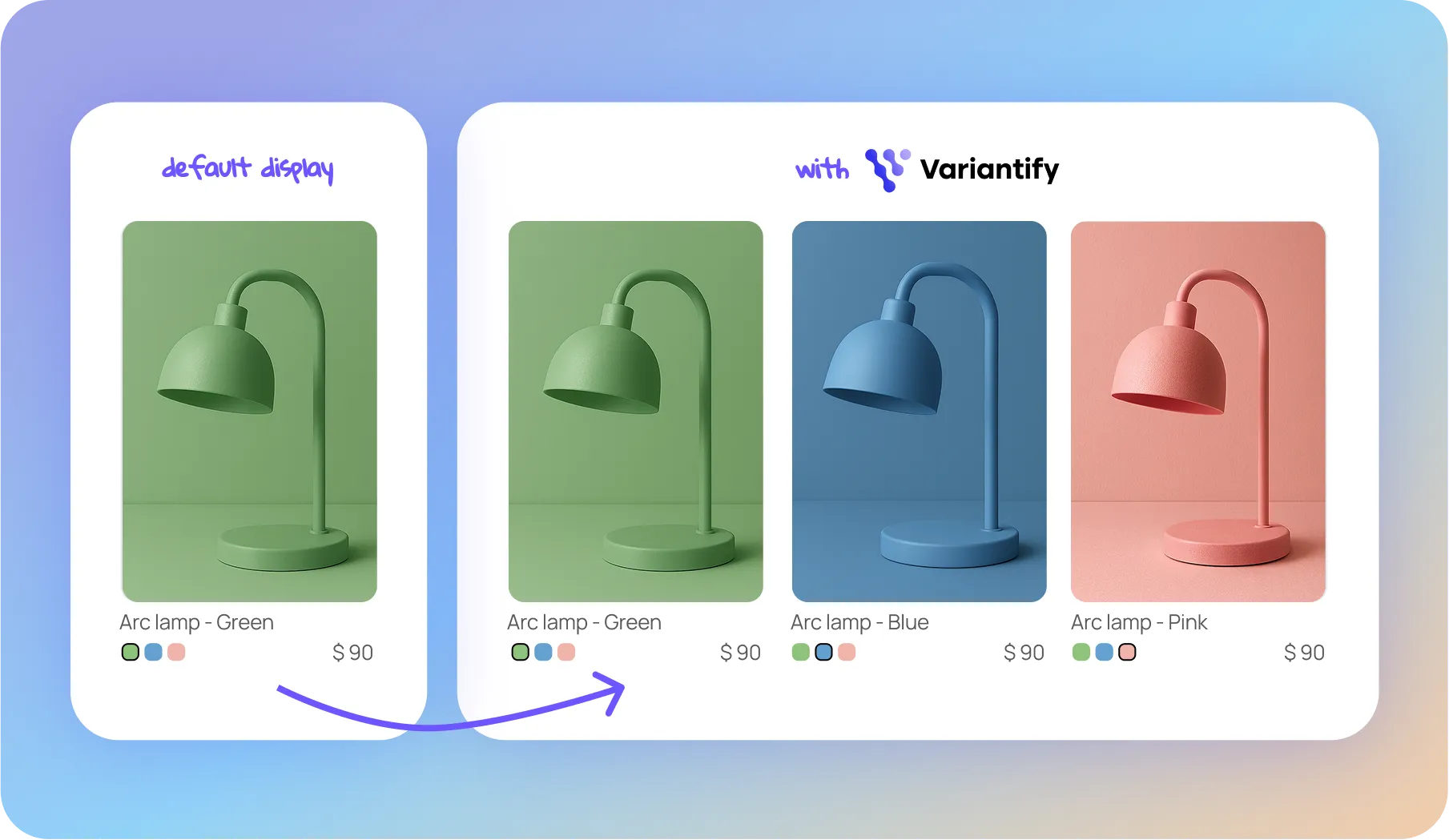
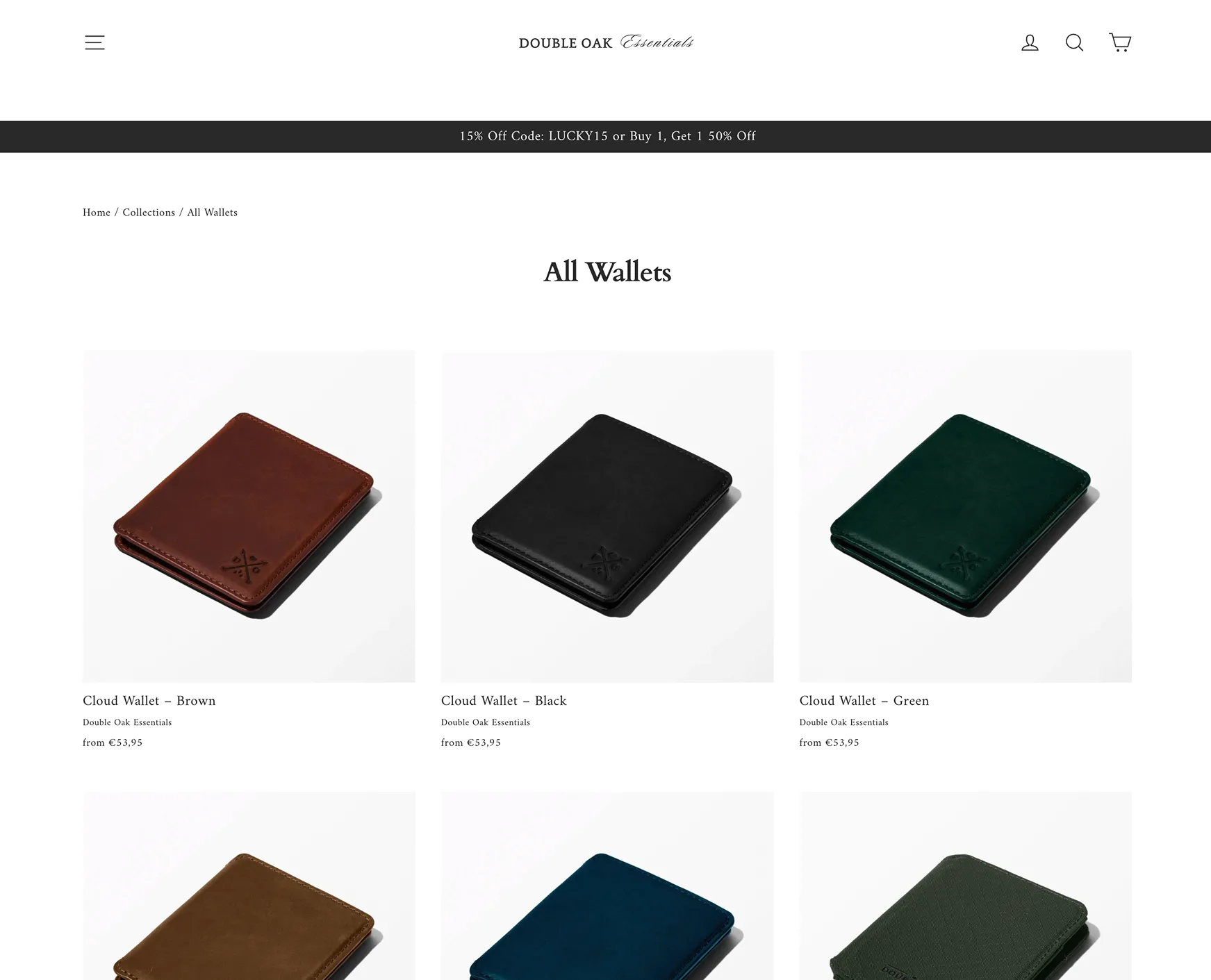
In this guide, you’ll learn how to display each color variant as its own product on Shopify collection pages — and why this dramatically improves merchandising and conversions.

Why Color Variants Deserve Individual Visibility

On a standard Shopify collection page:

  • One product = one card
  • All colors are hidden inside
  • Customers must click to explore

This creates friction.

But color-driven shopping is visual and impulsive.

When customers browse:

  • They scan colors
  • They compare tones
  • They react emotionally

If only one color appears in the grid, you’re limiting visual impact.

What Happens When You Show Each Color Separately?

Instead of:

Classic Hoodie (Black default)

Black classic hoodie with front pocket hanging on a wooden hanger on a white background.

You display:

  • Classic Hoodie – Black
  • Classic Hoodie – Grey
  • Classic Hoodie – Blue
  • Classic Hoodie – Green
Online shop page showing four classic hoodies in black, grey marl, navy blue, and green with price €120 and add to cart buttons.

Result:

  • Higher grid density
  • More clickable items
  • Stronger visual merchandising
  • Better perceived catalog depth
  • Increased product discovery

This is especially powerful for:

  • Apparel brands
  • Streetwear
  • Minimalist DTC brands
  • Seasonal drops
  • Capsule collections

How to Split Shopify Variants by Color (No Developer Needed)

To display each color variant as a standalone product in collection pages, you need a variant-splitting solution.

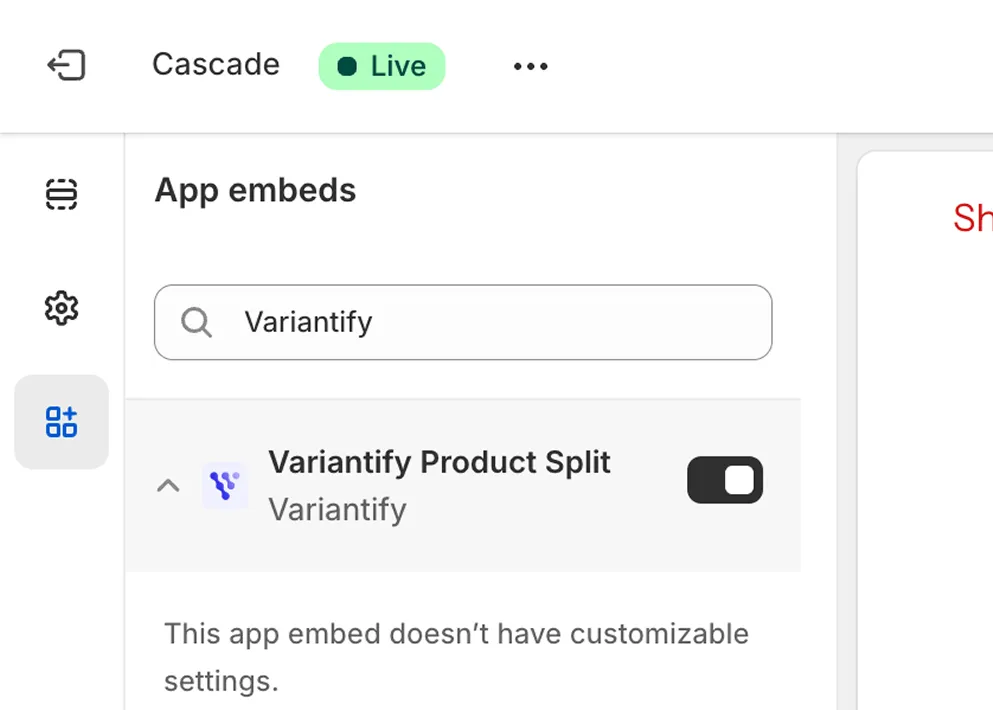
The simplest way is using Variantify.

It allows you to:

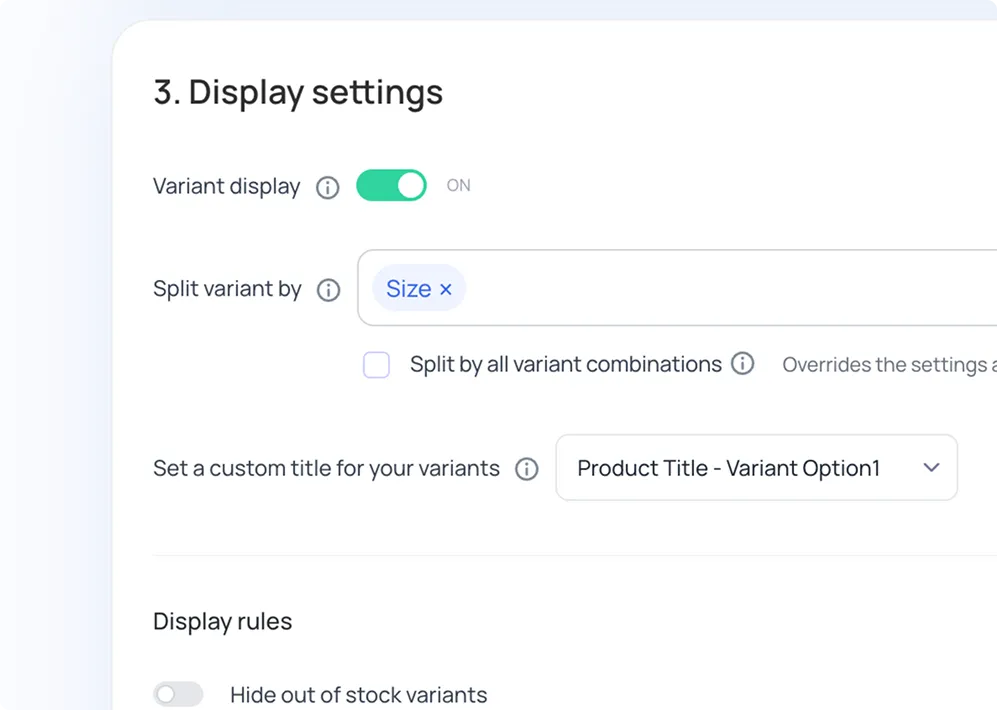
  • Split variants by the “Color” option
  • Display each color as an individual product card
  • Keep your original Shopify product structure intact
  • Apply the setting only to selected collections
  • Customize how titles appear (e.g., “Hoodie – Blue”)

No theme code edits required.

Strategic Use Cases for Color Variant Splitting

This is not just a technical tweak.

It’s a merchandising strategy.

1️⃣ Create Color-Based Collections

You can create curated collections like:

  • All Black Essentials
  • Neutral Tones
  • Summer Whites
  • Blue Capsule Drop

Instead of tagging entire products, you can target specific color variants.

This gives you far more control over campaigns and seasonal merchandising.

Green arc lamp, green sideboard, and green Eira chair with wooden legs displayed against a green background.

User interface showing method 2 to display product variants by SKU with selections for black variants of a knit beanie, fringed scarf, leather gloves, and leather dress belt with prices.

2️⃣ Improve Paid Traffic Performance

When running ads:

If your ad shows a red product,

but your collection defaults to black,

there’s a disconnect.

Displaying each color individually ensures:

  • Message consistency
  • Visual alignment
  • Better conversion from paid traffic

3️⃣ Hide Out-of-Stock Colors Automatically

When a color sells out, it disappears from the grid.

This prevents:

  • Dead-end clicks
  • Frustration
  • Perceived low availability

Your collection stays clean and optimized.

Three armchairs displayed side by side: warm terracotta, muted sage green marked out of stock, and soft powder blue, each priced at $470.

4️⃣ Show Only Discounted Color Variants

For sales campaigns, you can:

  • Display only discounted color variants
  • Keep full-price colors hidden
  • Create ultra-targeted sale collections

This is especially useful for:

  • End-of-season clearance
  • Limited-time offers
  • Flash drops

The Bigger Picture: Grid Optimization

Most Shopify merchants optimize:

  • Product pages
  • Ads
  • Checkout

Few optimize the collection grid.

But the collection page is where discovery happens.

Showing color variants separately increases:

  • Scroll depth
  • Click-through rate
  • Perceived inventory size
  • Product discovery

It transforms your grid from static to dynamic.

Final Thoughts

If your catalog relies heavily on color variation, showing each color as its own product is not just a UX improvement — it’s a merchandising upgrade.

With Variantify, you can split color variants in minutes and turn your collection pages into a high-impact visual storefront.

Does Showing Color Variants Separately Affect SEO?

No.

Displaying color variants separately does not duplicate your Shopify products.

Your main product remains intact in Shopify Admin.

The collection grid is enhanced visually, while preserving Shopify’s native structure.

Can Shopify Do This by Default?

No.

Shopify groups all color variants under a single product listing.

To show color variants as separate products in collection pages, you need either:

  • Custom development
  • or
  • A dedicated solution like Variantify
When Should You Split by Color?

You should strongly consider it if:

  • Color is the main purchase driver
  • Your product photos differ significantly per color
  • You run color-specific campaigns
  • You operate in fashion, decor, or lifestyle
  • You want to increase collection page engagement


You may not need it if:

  • Color barely changes visual appearance
  • You sell technical equipment where specs matter more than visuals

Will this duplicate my products in Shopify Admin?

No.

Variants are displayed separately on the collection page, but your product structure inside Shopify remains the same.