Best Apps to Show Variants as Separate Products on Shopify (2026)
Side-by-side comparison of the top 6 apps — pricing, features, ratings, and honest recommendations.
By Siva Baskara
·
Updated August 2026
·
10 min read
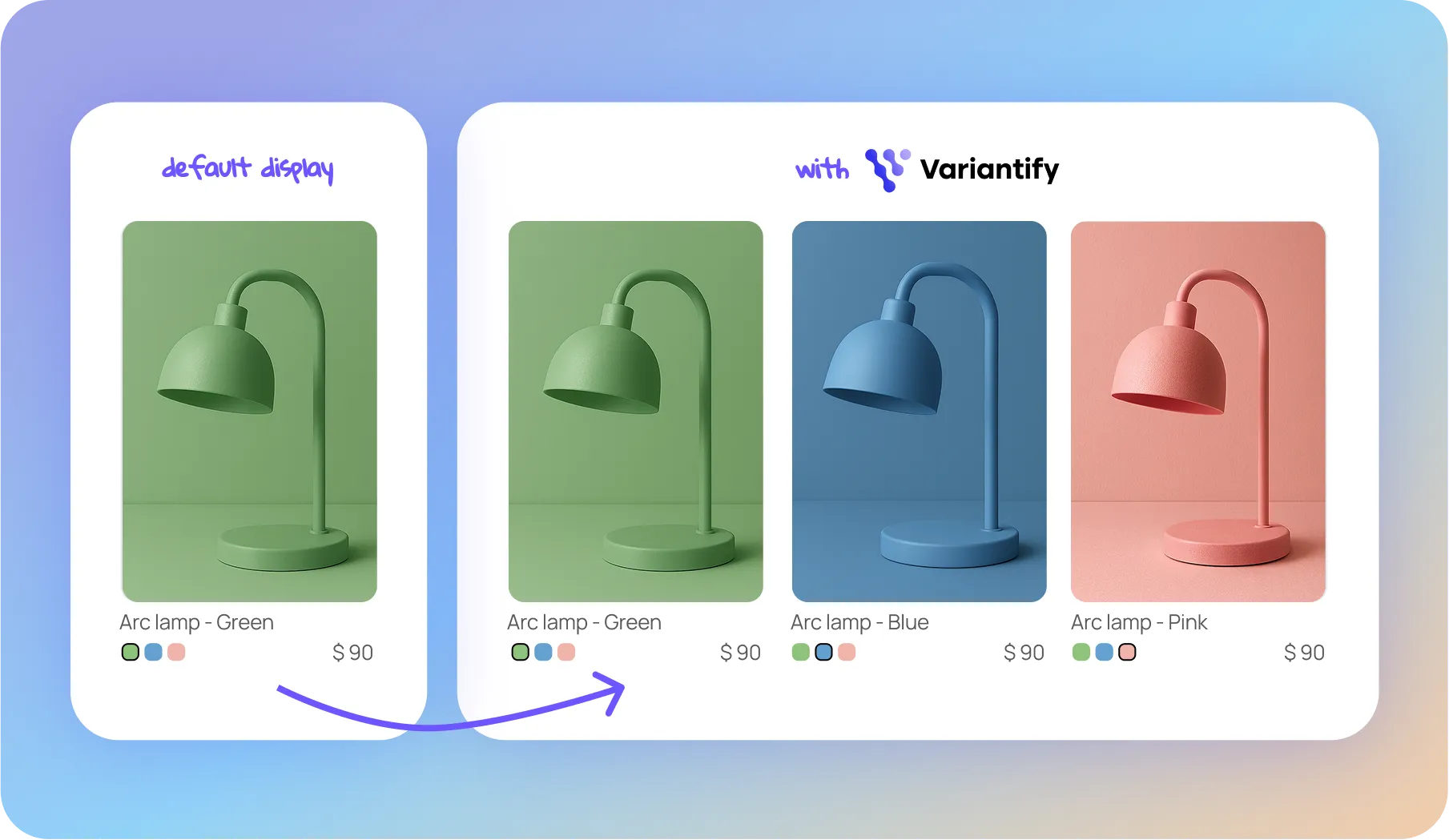
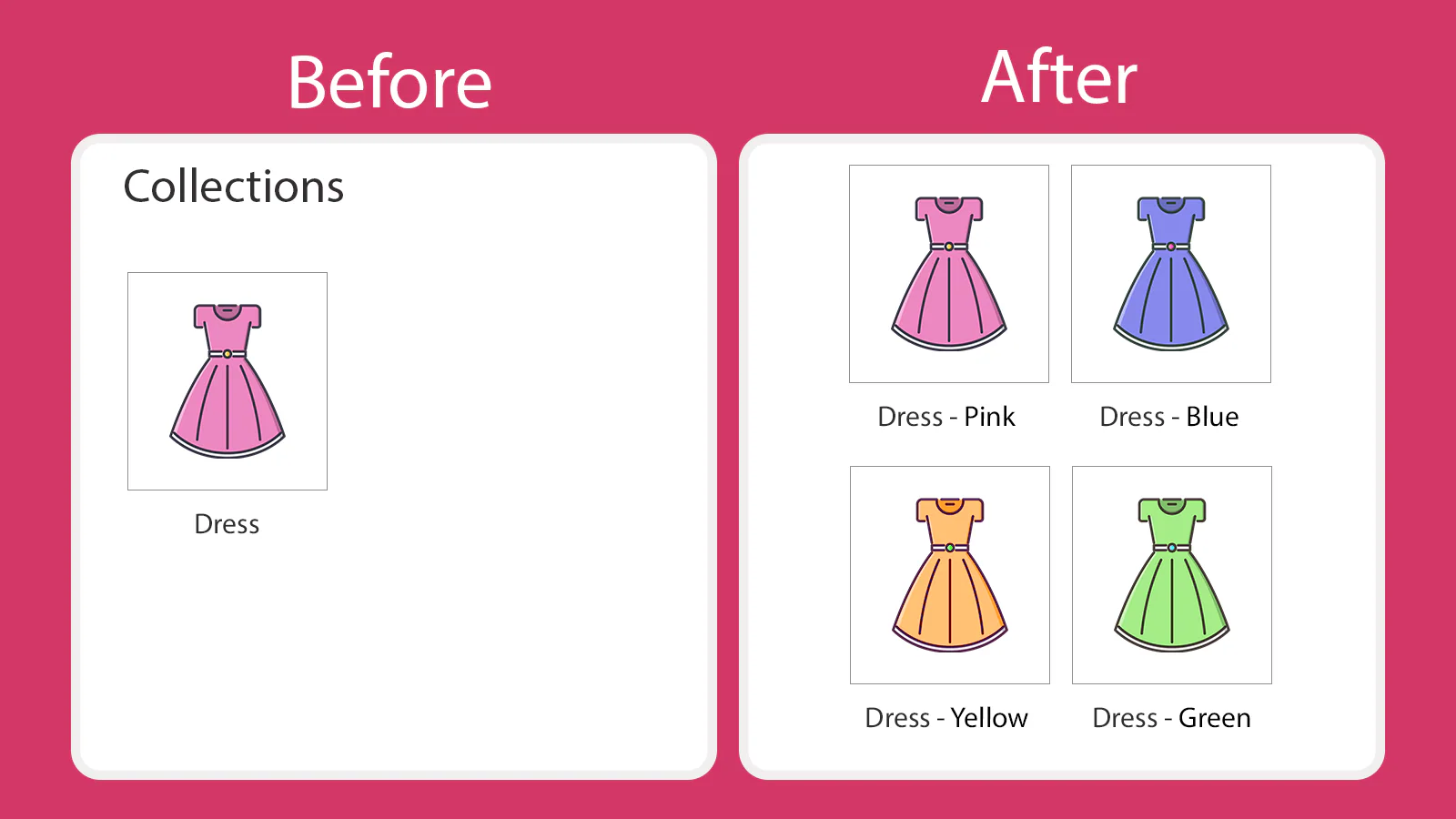
If your Shopify store sells products in multiple colors, sizes, or materials, you already know the problem: Shopify groups all variants under one product card on collection pages. Customers only see the default image. They never discover that your jacket comes in 6 colors — unless they click through to the product page.
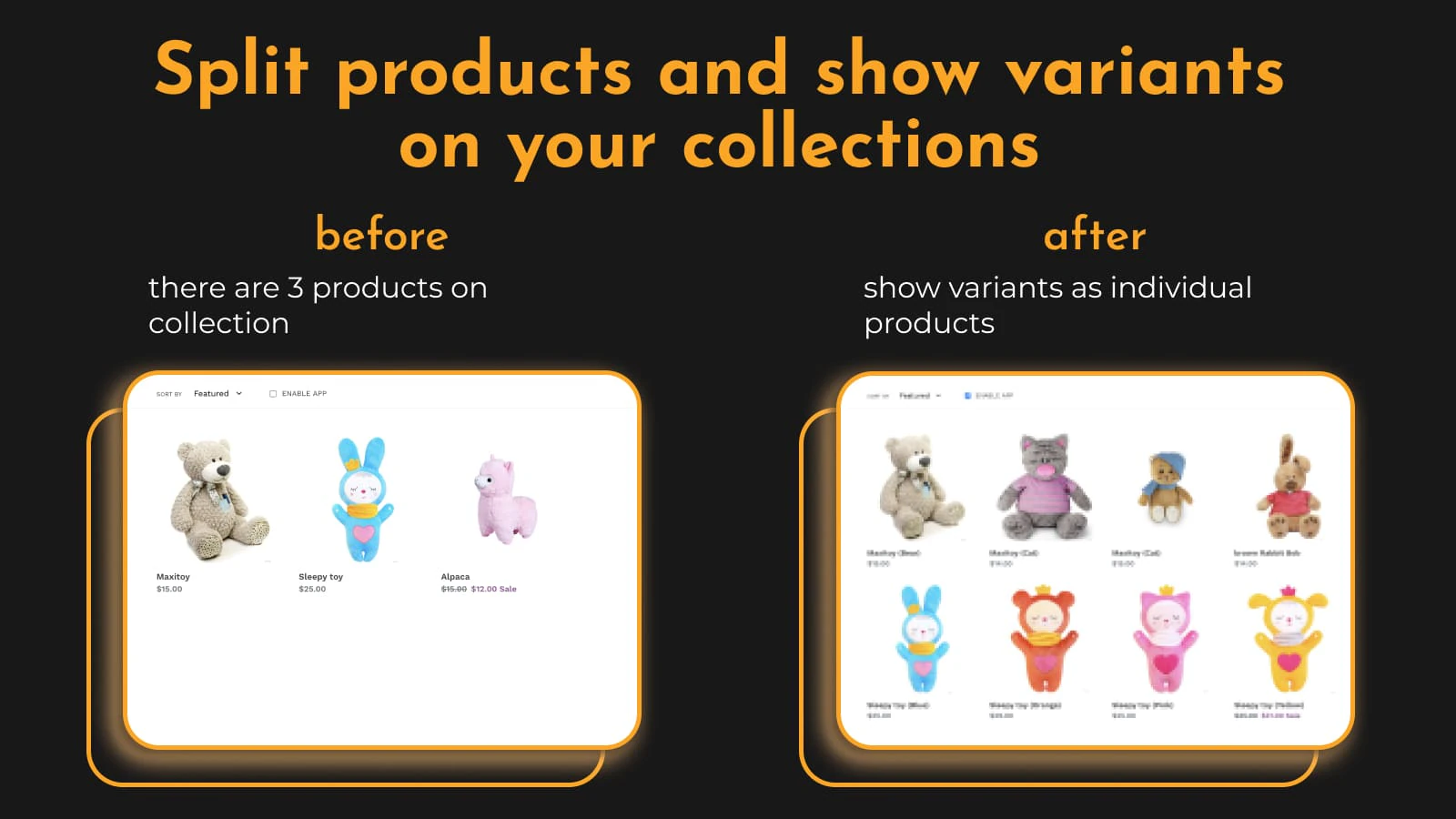
The fix? Use a Shopify app that displays each variant as its own product card on collection, homepage, and search result pages.
We tested the top 6 apps that do this in 2026. Here's how they compare — and which one fits your store best.
Quick Comparison Table
App
Rating
Reviews
Starting Price
Free Trial
Variantify
⭐ 5.0
46
$9.99/mo
7 days
Stamp
⭐ 5.0
149
$4/mo
3 days
EX Show Variants (Variator)
⭐ 4.7
200
$4.99/mo
10 days
B4B Variable Products
⭐ 4.9
53
$9/mo
7 days
Splitify
⭐ 4,9
31
$2.99/mo
7 days
Varia
⭐ 4.1
39
$29.99/mo
7 days
1. Variantify
Best for Simplicity, Clean UI, and Safe Setup
★
5.0/5 (46 reviews)
$9.99/mo – $19.99/mo
7-day free trial
Variantify works as a front-end display layer — it doesn't edit your Liquid files or modify your Shopify product data. Your theme code and catalog stay untouched.
What it does well
No theme code modifications. Variantify doesn't edit your Liquid files, so there's no risk of breaking your theme during updates or when uninstalling.
Clean, intuitive interface. Drag and drop to reorder variants, show or hide each variant per collection with simple toggles, and mix variants with regular products — all without technical knowledge. A built-in search bar lets you find any product or variant instantly.
Advanced display rules. Hide out-of-stock variants, show only discounted variants, hide variants without images — all configurable per collection with one-click toggles.
Custom variant titles. Choose how variant names appear on collection pages (e.g. "Product Title - Blue" or just the option value).
Hover images per variant. Each variant card shows its own image, and customers see additional images on hover — without clicking through to the product page.
Custom collections by SKU/barcode. Create variant-level collections using SKU or barcode identifiers for granular control.
Works on collections, homepage, and search. Variants appear as separate items everywhere customers browse.
Where it's limited
Fewer reviews than Variator or Stamp (newer app).
No free plan — starts at $9.99/mo after a 7-day trial.
The Pro plan caps at 30 collections (Advanced is unlimited).
Best for: Store owners who want a clean, intuitive setup with advanced features like hover images and per-SKU collections. Compatible with most Shopify themes, including custom and third-party themes.
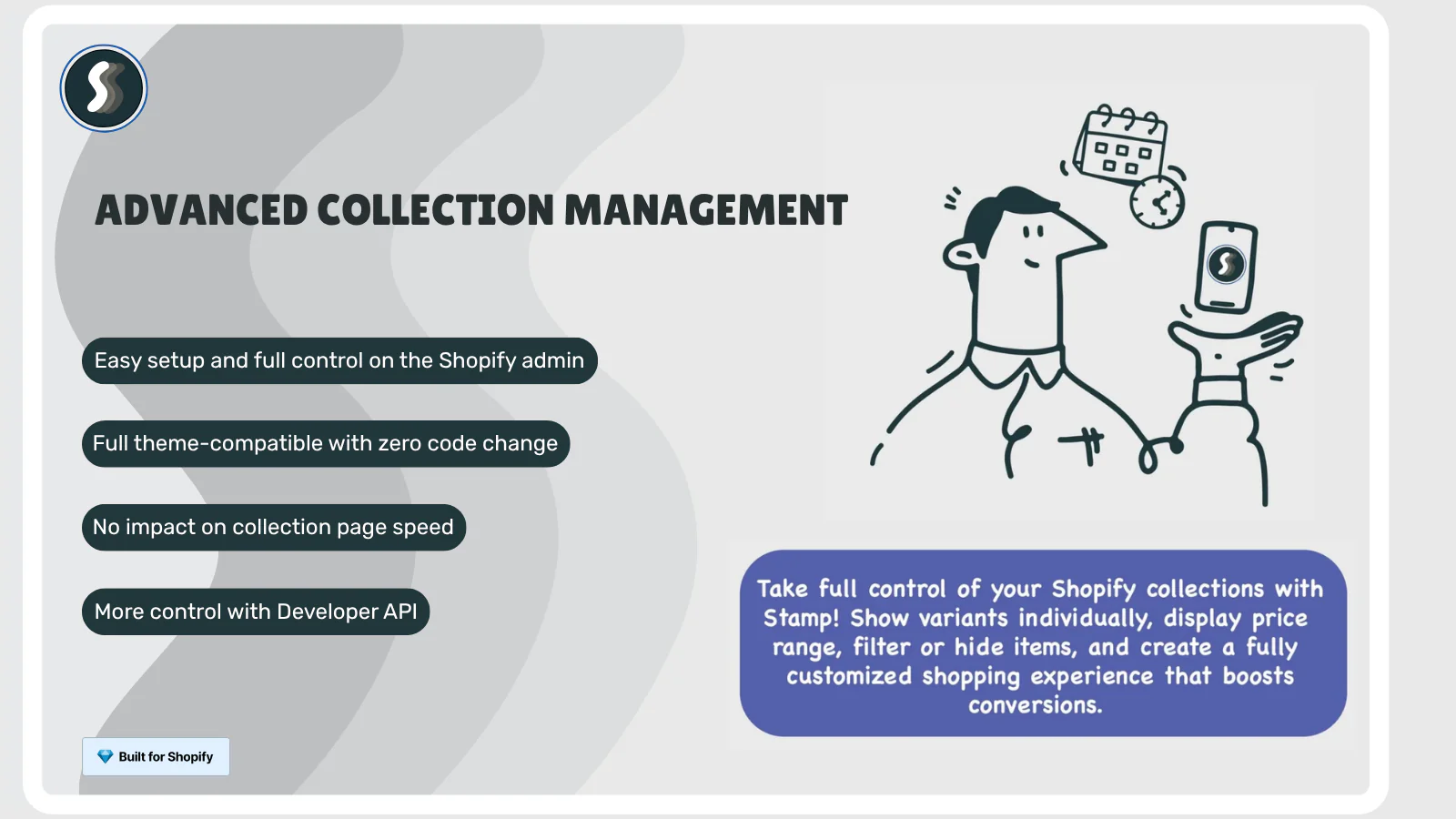
Stamp by Sezerium has grown quickly in this category, with strong reviews and responsive support. It offers a free "Build" plan, but that plan is limited to development stores — so the real starting price for live stores is $4/mo.
What it does well
Affordable entry point. At $4/mo for the Eco plan, it's one of the cheapest options for live stores.
Smart collection sorting. Sort products and variants by best-seller within collections — a feature most competitors don't offer.
Price range display. Show a price range on collection cards, giving customers a preview of pricing options.
Manual variant sorting. Reorder variants manually within collections for full merchandising control.
Where it's limited
The free plan only works on development stores — $4/mo minimum for a live store.
Per-collection variant management and manual sorting are only available on the Advanced plan ($24/mo)
No hover images per variant.
Less control over per-SKU variant assignment.
Best for: Merchants who want an affordable starting point with the option to scale into advanced sorting features.
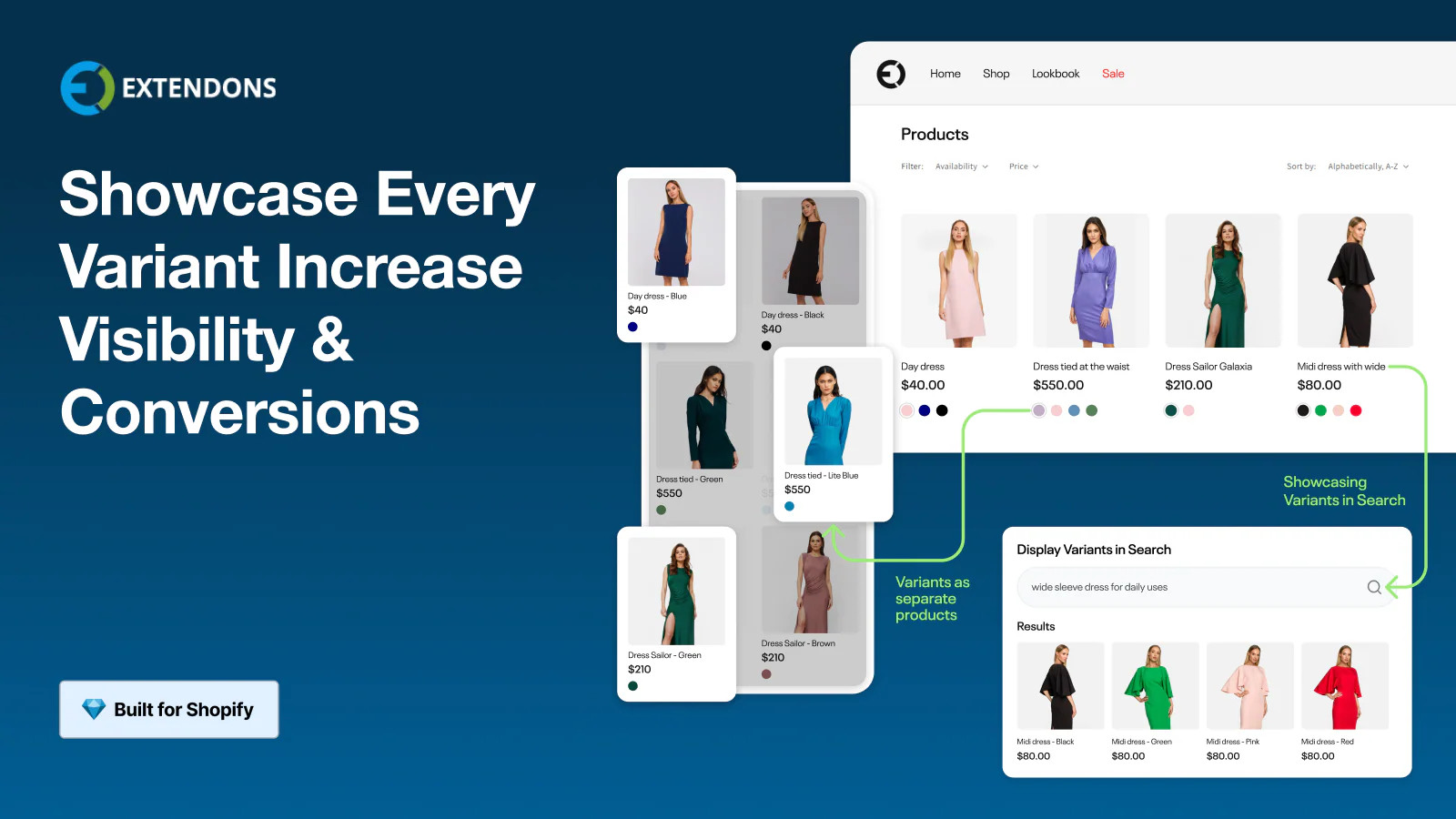
EX Show Variants on Collection (commonly called Variator) by Extendons is the longest-running app in this category, launched in 2021. With 202 reviews, it has the largest review base.
What it does well
Proven track record. Over 4 years on the App Store with the most reviews in this category.
Infinite variants display. No limit on how many variants you can show per product.
Add to Cart from collection page. Customers can add a specific variant directly to their cart.
Customizable button styles. Match the Add to Cart button to your store's branding.
Works on homepage, search, and collections. Covers all the key listing pages.
Where it's limited
Rating is 4.7 (not 5.0) — some merchants have reported theme compatibility issues.
Support is available but sometimes delayed across time zones.
Best for: Merchants who want a well-tested, affordable solution and don't mind a slightly older app architecture.
B4B Variable Products by Zubr goes beyond simple variant splitting. It's built for merchants who need fine-grained control over which variants appear in which collections.
What it does well
Conditional display logic. Show only discounted, in-stock, or specific color variants per collection.
Bulk variant management. Manage variant display settings across your entire catalog at once.
Custom variant naming. Combine different product fields to create custom variant names on collection pages.
Variant ordering. Change the display order and mix variants with regular products.
Where it's limited
More complex setup than simpler alternatives.
No free plan — starts at $9/mo.
The interface can be overwhelming for merchants with small catalogs.
Best for: Stores with large, complex catalogs (100+ products) that need collection-level control. Fashion and multi-brand retailers benefit most.
Varia by Gravity Software focuses on giving you manual control over which variants appear in which collections. It's the most expensive app on this list at $29.99/mo.
What it does well
Manual variant-to-collection assignment. Pick exactly which variants show in which collection.
Infinite scroll on collections. Eliminates pagination links for a smoother browsing experience.
Hide out-of-stock variants. Keeps your collections clean.
Single product page linking. All variants link back to one product page.
Where it's limited
Most expensive option at $29.99/mo — significantly more than all competitors.
Lower rating (4.1/5) than most alternatives in this category.
No Add to Cart button directly from collection pages.
No hover images or drag-and-drop reordering.
Best for: Budget-conscious merchants who need basic variant splitting without advanced features.
Displaying variants as individual product cards on your collection pages isn't just a visual preference — it directly impacts your store's revenue.
When customers browse a collection page and see only the default product image, they miss out on discovering variant options that might be exactly what they're looking for. A customer searching for a blue jacket scrolls right past your product because the collection page only shows the black version.
By splitting variants into separate cards, you:
Increase product visibility. Your 50-product catalog suddenly looks like 200+ products across color and size options.
Reduce clicks to purchase. Customers find their exact variant on the collection page instead of clicking through and selecting an option.
Improve collection page CTR. More product cards with relevant images means more clicks from browsing customers.
Boost conversion rates. When the right variant is immediately visible, purchase intent increases.
A key distinction worth understanding: showing variants as separate products is a display change, not a catalog change. You get the merchandising benefit without splitting products in your Shopify admin — no duplication, no inventory headaches.
Show every variant as its own product card — no code, no theme edits.
No. All six apps display variants as separate product cards on the front end only. Your actual Shopify product data stays the same — no duplicate products are created in your admin.
All six apps are designed to work within Shopify's app ecosystem and should not significantly impact page speed. Always test with Google PageSpeed Insights after installation to verify performance on your specific theme.
Yes, most of these apps let you select specific variants to display. Variantify lets you control this at the SKU level with show/hide toggles per variant per collection. B4B offers conditional logic (only in-stock, only discounted). Stamp lets you manually sort and select variants.
All six apps are compatible with most OS 2.0 themes (Dawn, Refresh, Craft, Sense, etc.). Variantify doesn't inject code into your theme files, which makes uninstalling clean and risk-free.
Your store reverts to the default Shopify behavior (one card per product on collections). Variantify doesn't modify your theme's Liquid files, so uninstalling leaves your theme exactly as it was.
Variantify, Stamp, and Variator support homepage and search result pages. B4B and Varia are primarily focused on collection pages. Check the feature comparison table above for details.
Show every variant. Convert more customers.
No code. No theme edits. Just install, split, and sell.