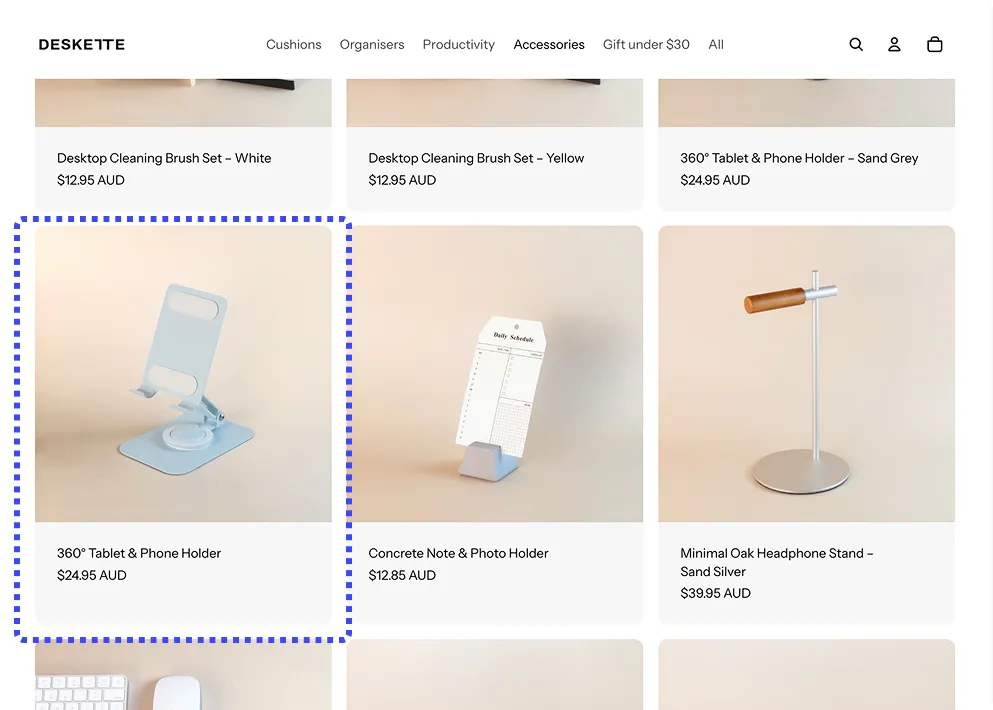
Shopify shows one product card per product on collection pages — even when that product has multiple colors, sizes, or materials. Here are 3 ways to display each variant as its own card, so customers see every option at a glance.
When variants are hidden behind a single product card, customers miss products they would have bought. A shopper looking for a blue jacket may never click a product card showing the red version — and leave your store assuming you don't carry their color.
Displaying each variant as its own card on collection pages changes browsing behavior:
More products visible per scroll. A store with 50 products and 4 color variants each goes from 50 visible items to 200 — without adding a single product to Shopify.
Faster path to the right product. Customers see the exact variant they want immediately instead of clicking through product pages to check availability.
Higher engagement on collection pages. Stores using variant display report up to 32% higher click-through rates on collection grids compared to the default Shopify layout.
.webp)
Display each variant as its own product card on collection pages — no theme editing, no maintenance. Works on all OS 2.0 themes.
A variant display app handles everything automatically: each variant appears as its own product card on collection pages, with its own image, title, and price — without touching your theme code or duplicating products in your catalog.
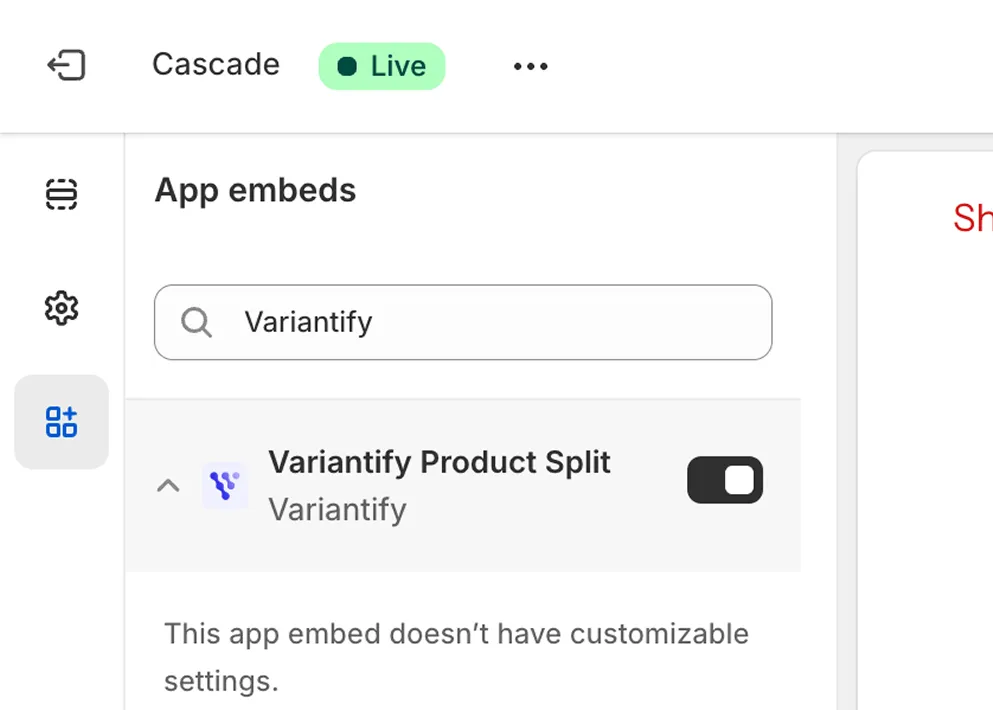
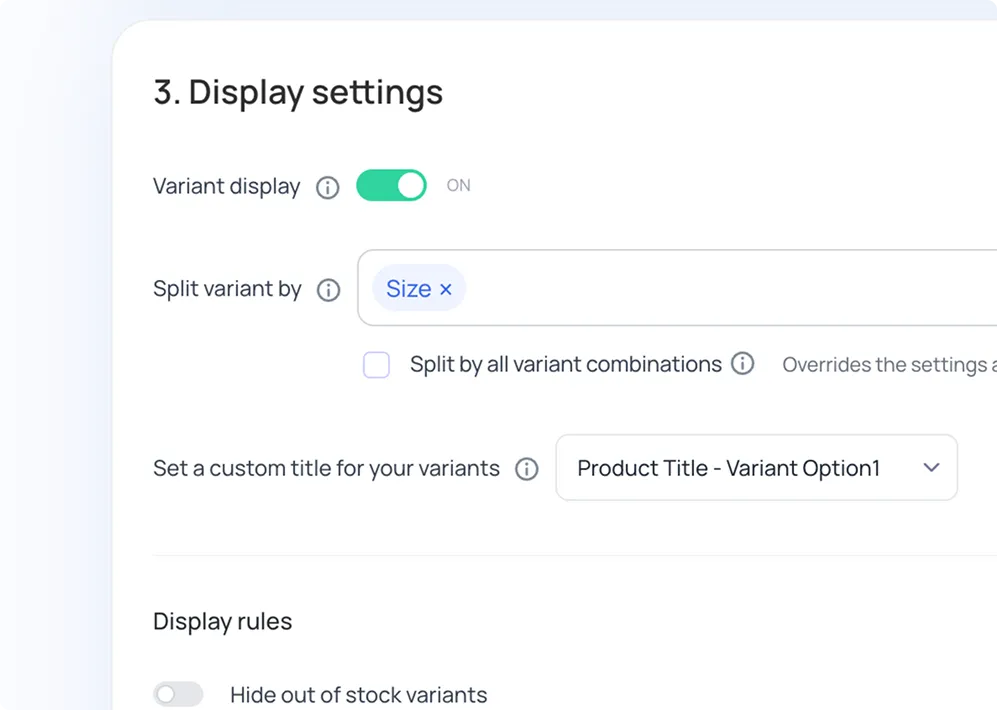
No code, no theme editing, no maintenance. Theme updates won't break anything. If you disable the app, your store returns to Shopify's default display instantly.
→ Install Variantify on Shopify — 7-day free trial, setup in under 5 minutes.
If you're comfortable editing Shopify theme files, you can modify your collection template to loop through variants and render each one as a separate card. This approach is free but comes with significant limitations.
The basic idea is to modify your collection grid template (usually main-collection-product-grid.liquid or similar) to iterate over each product's variants instead of the product itself. For each variant, you render a product card with the variant's specific image and title.
If you're using the Dawn theme specifically, we have a dedicated step-by-step code tutorial:
→ How to Show Variants as Separate Products on Shopify Dawn (2026)
If any of these limitations are dealbreakers, Method 1 (app) handles all of them out of the box.
Some merchants create separate Shopify products for each variant — for example, "T-Shirt Blue" and "T-Shirt Red" as two distinct products instead of one product with color variants.
This approach works visually on collection pages but creates serious operational problems:
Manually duplicating products is really a catalog-level operation with its own trade-offs — inventory splits, duplicate-content risk, and no easy undo. If that's the route you're considering, our complete guide to splitting products in Shopify walks through when it makes sense and when a display-level app is the safer choice.
This method is only viable for stores with fewer than 10-20 products. For anything larger, use Method 1 or Method 2 instead.
Not sure which app fits your store? We compared the leading options side by side in our guide to the best variant display apps for Shopify.
Common questions about displaying Shopify product variants as separate items on collection pages.
Display each variant as its own product card — no code, no theme editing, setup in under 5 minutes.
Try Variantify free →
